PDF to MP3
  • Features
  • FAQ
  • Pricing
  • PDF to Audiobook

Convert PDF to MP3 Online

Turn any PDF into a natural-sounding MP3 with AI voices. Choose from 75+ professional voices across 8 languages — fast, accurate, and free to try.

🇺🇸English🇩🇪Deutsch🇫🇷Français🇪🇸Español🇯🇵日本語🇨🇳简体中文🇧🇷Português

PDF to MP3 Converter Features to Convert PDF to MP3

Everything you need to convert PDF to MP3 accurately — from voice selection to batch processing — built into one converter.

Advanced Experience to Convert PDF to MP3

Our optimized converter handles documents of any complexity — dense layouts, footnotes, technical terms — and produces clean, listenable MP3 files. Fine-tune voice, speed, and pitch to match how you like to listen.

Multi-Language Support to Convert PDF to MP3

Choose from 75 professional AI voices across 8 languages — English, Japanese, French, German, Spanish, Chinese, and Portuguese. Every voice supports adjustable speed and pitch, so your MP3 sounds the way you want.

Smart Downloads When You Convert PDF to MP3

Your MP3 downloads start the moment conversion finishes, with automatic file naming and metadata preserved. Batch mode converts up to 5 PDFs in one pass, each saved as its own MP3 file.

Natural Voice Technology

Neural text-to-speech models deliver human-like narration and handle technical terms, numbers, and special characters accurately. Studio HD voices bring audiobook-level warmth to every MP3 you create.

Mobile-Ready to Convert PDF to MP3

Convert PDF to MP3 on your phone, tablet, or desktop — no app to install. Stream the result directly in your browser or download the MP3 for offline listening.

Easy Interface to Convert PDF to MP3

No technical skills required. Drag in a PDF, pick a voice, click convert — the interface walks you through all three steps, and your MP3 is ready in minutes.

What is Our PDF to MP3 Converter?

PDF2MP3 turns PDF documents into professional-grade MP3 audio. Upload a PDF, and AI narration reads every word in a natural voice — no robotic monotone, no manual recording. Academic papers, business reports, ebooks: if it's a PDF, you can download it as an MP3 and listen anywhere.
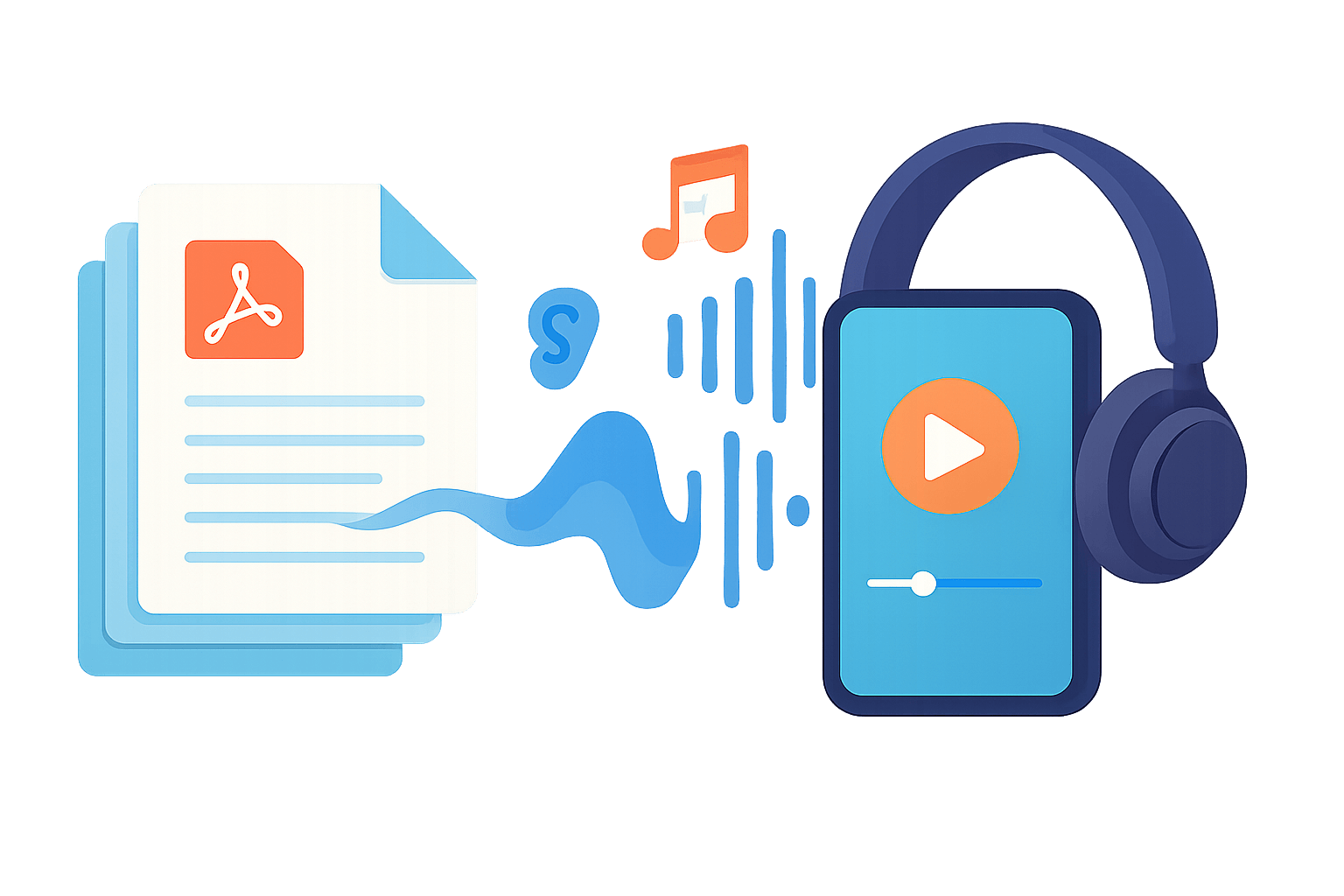
    Overview of our AI-powered PDF to MP3 converter features and workflow
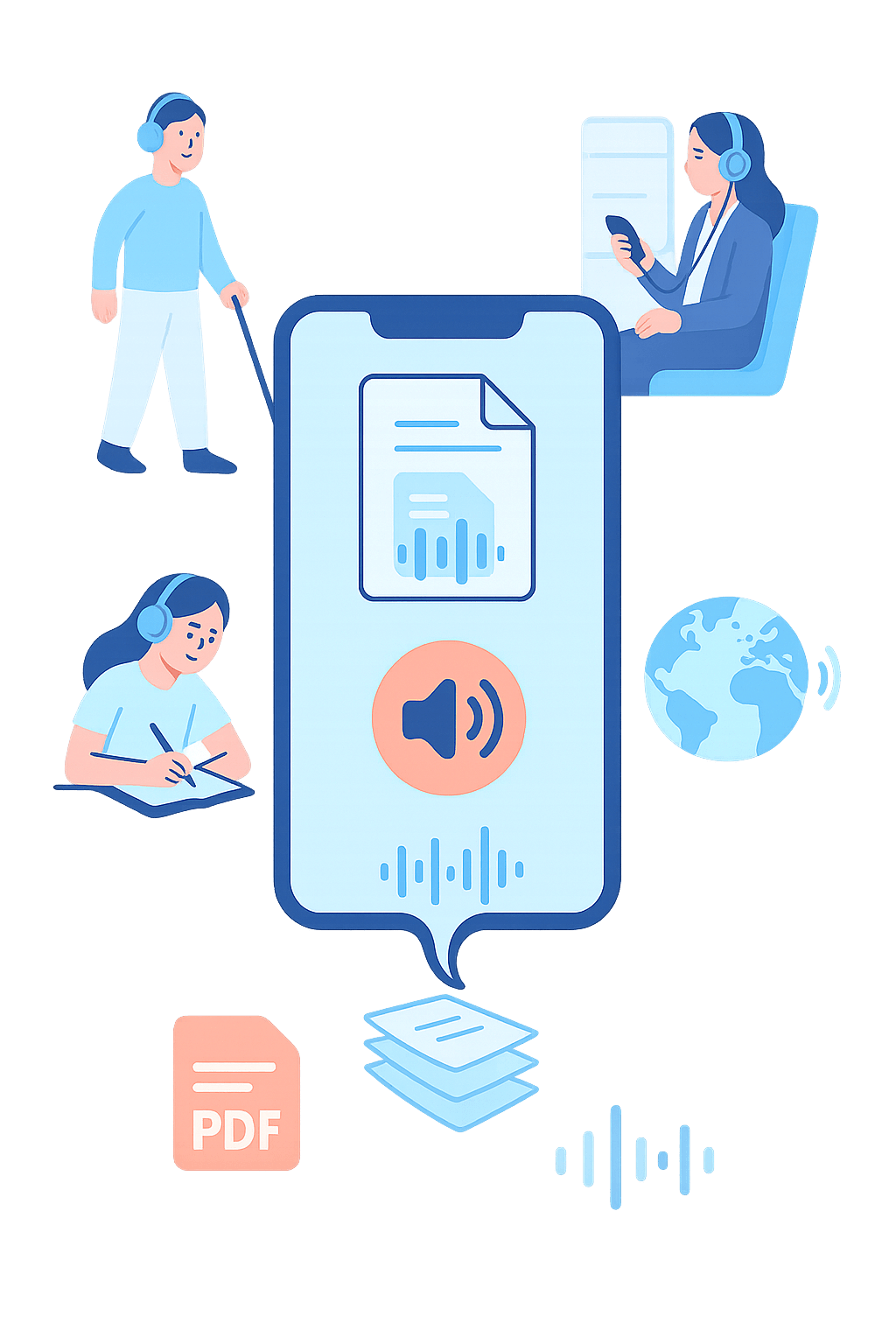
    Illustration showing benefits of choosing our PDF to MP3 converter solution

    Why Choose Our PDF to MP3 Converter Solution?

    Here's why thousands of readers convert PDF to MP3 with us every day:

    • Accessibility Enhancement

      Make written content accessible to visually impaired readers. Converting PDF to MP3 gives every document a high-quality narrated version that anyone can play on any device.
    • Multitasking Freedom

      Turn your commute into productive learning time. Convert PDF to MP3 once, then listen to important documents while driving, cooking, or working out — hands and eyes free.
    • Enhanced Learning Aid

      Create personal audio study guides from textbooks and research papers. Hearing material while you read it strengthens retention — convert PDF to MP3 and review chapters on repeat before exams.
    • Language Learning Support

      Master new languages by hearing native-quality pronunciation of foreign-language texts. Convert PDF to MP3 files and practice listening comprehension with the same material you study on paper.

    How to Convert PDF to MP3 - Simple 3 Steps

    01
    Step 1 of 3

    Upload Your PDF to Convert PDF to MP3

    Drag and drop your PDF into the converter or browse to select a file. PDFs up to 50MB are supported, and text extraction happens right in your browser.

    02
    Step 2 of 3

    Configure Settings to Convert PDF to MP3

    Select your language and preferred AI voice, then adjust speed and pitch if you like. Play a short sample of any voice before you commit.

    03
    Step 3 of 3

    Download After You Convert PDF to MP3

    Click convert and let the converter process your document. Your MP3 file downloads automatically as soon as it's ready.

    Loved by Thousands of Users

    See what our users say about converting their PDFs to MP3

    Sarah M.

    Graduate Student

    This tool saved my semester! I convert all my research papers to MP3 and listen while commuting. The voice quality is incredible — it doesn't sound robotic at all.

    James L.

    Software Engineer

    I use PDF2MP3 daily to listen to technical documentation during my morning run. The multi-language support is a game changer for our international team's docs.

    Maria G.

    ESL Teacher

    My students love it! I convert lesson materials to audio so they can practice listening comprehension at home. The pronunciation across different languages is remarkably accurate.

    David K.

    Business Consultant

    I review 50+ page reports weekly. Converting them to MP3 lets me absorb information during flights and drives. The speed control feature is perfect for dense content.

    Yuki T.

    Freelance Writer

    Hearing my drafts read aloud helps me catch errors I'd miss when reading. The natural AI voices make my writing sound polished. An essential part of my editing workflow.

    Robert P.

    Accessibility Advocate

    As someone with low vision, this tool has been life-changing. The voice quality rivals professional audiobooks, and the browser-based processing means my documents stay private.

    Sarah M.

    Graduate Student

    This tool saved my semester! I convert all my research papers to MP3 and listen while commuting. The voice quality is incredible — it doesn't sound robotic at all.

    James L.

    Software Engineer

    I use PDF2MP3 daily to listen to technical documentation during my morning run. The multi-language support is a game changer for our international team's docs.

    Maria G.

    ESL Teacher

    My students love it! I convert lesson materials to audio so they can practice listening comprehension at home. The pronunciation across different languages is remarkably accurate.

    David K.

    Business Consultant

    I review 50+ page reports weekly. Converting them to MP3 lets me absorb information during flights and drives. The speed control feature is perfect for dense content.

    Yuki T.

    Freelance Writer

    Hearing my drafts read aloud helps me catch errors I'd miss when reading. The natural AI voices make my writing sound polished. An essential part of my editing workflow.

    Robert P.

    Accessibility Advocate

    As someone with low vision, this tool has been life-changing. The voice quality rivals professional audiobooks, and the browser-based processing means my documents stay private.
    FAQ

    PDF to MP3 Converter - Frequently Asked Questions

    Common questions about converting PDF to MP3 — file limits, voices, speed, security, and what you can do with your MP3 files.

    Which languages does the PDF to MP3 converter support?

    +
    Our PDF to MP3 converter supports American English (27 voices), British English (8 voices), Japanese (5 voices), French (7 voices), German (7 voices), Spanish (10 voices), Simplified Chinese (8 voices), and Brazilian Portuguese (3 voices). Listen to voice samples and choose your preferred voice with our advanced converter. Try our audiobook converter →

    What's the difference between Standard and Studio HD voices?

    +
    Standard voices cost 1 credit per 1,000 billed characters, while Studio HD voices cost 5. Minutes are estimates. Your free first conversion includes up to 1,000 Standard characters or 500 Studio HD characters. Compare all plans →

    What are the PDF to MP3 converter file size limits?

    +
    Free trial: first conversion free, up to 1,000 characters with standard voices. Paid plans support max 50MB PDF with full conversion up to 500,000 characters per document. Max users can batch convert up to 5 PDFs simultaneously. See plan details and limits →

    How long does PDF to MP3 conversion take?

    +
    To convert PDF to MP3 for full documents: 10-page conversion takes 30-60 seconds, 100-page PDF to MP3 conversion takes 3-5 minutes with our efficient converter. Pro users get priority when they convert PDF to MP3 files.

    How does batch PDF to MP3 conversion work?

    +
    Batch PDF to MP3 converter functionality is available for Max users. Convert PDF to MP3 for up to 5 files simultaneously with our batch PDF to MP3 converter. Each PDF converts to a separate MP3 file automatically when you batch convert PDF to MP3 with our professional converter.

    Is the PDF to MP3 converter secure?

    +
    Our PDF to MP3 converter extracts text locally in your browser. Only the text is sent to secure servers for voice generation. We don't store your original PDFs or the converted MP3 files — your documents stay private.

    Can I distribute MP3 files created from my own content?

    +
    Yes! When you convert your own content (blog posts, articles, original documents) using our PDF to MP3 converter, the generated MP3 files are your property. You can freely distribute, sell, or use them commercially without additional fees or attribution requirements. For third-party content, the original copyright terms apply. See our Terms of Service Section 7 for complete details about generated content rights.

    What can I do with the MP3 files I generate?

    +
    For content you own: You have complete freedom to use generated MP3 files for any purpose - podcasts, audiobooks, commercial distribution, educational materials, or social media. No royalties, no attribution required. Our PDF to MP3 converter gives you full ownership of the audio output when converting your own content. For copyrighted materials you don't own, please ensure you have appropriate permissions.

    How do I convert PDF to MP3?

    +
    Converting PDF to MP3 is simple: 1) Upload your PDF file using drag-and-drop or the file browser, 2) Choose your preferred AI voice from 75 natural-sounding options, 3) Adjust speed and pitch settings if desired, 4) Click convert and download your MP3 file. The whole process takes seconds to minutes. To have a PDF read aloud with AI voices instead, try our PDF to Speech converter →.

    What format are the converted files?

    +
    Every conversion produces a standard MP3 file — the most widely supported audio format, playable on any phone, computer, or car stereo, with no special software required. Looking for the broader picture of turning documents into listening material? Visit our PDF to Audio converter →.

    Start Using Our AI-Powered PDF to MP3 Converter Today

    Join thousands who convert PDF to MP3 files every day. Your first conversion is free — upload a PDF, pick a voice, and hear the difference in minutes.

    Get Started Now
    PDF to MP3

    PDF2MP3 converts PDF files into natural-sounding MP3 audio with professional AI voices. Fast, private, and free to try.

    Products

    • PDF to Audio Converter
    • PDF to Audiobook
    • PDF to Speech

    About

    • Features
    • FAQ

    Company

    • Pricing

    © 2026 • PDF2MP3 All rights reserved.

    • Privacy Policy
    • Terms of Service