Text to Speech for Your PDFs
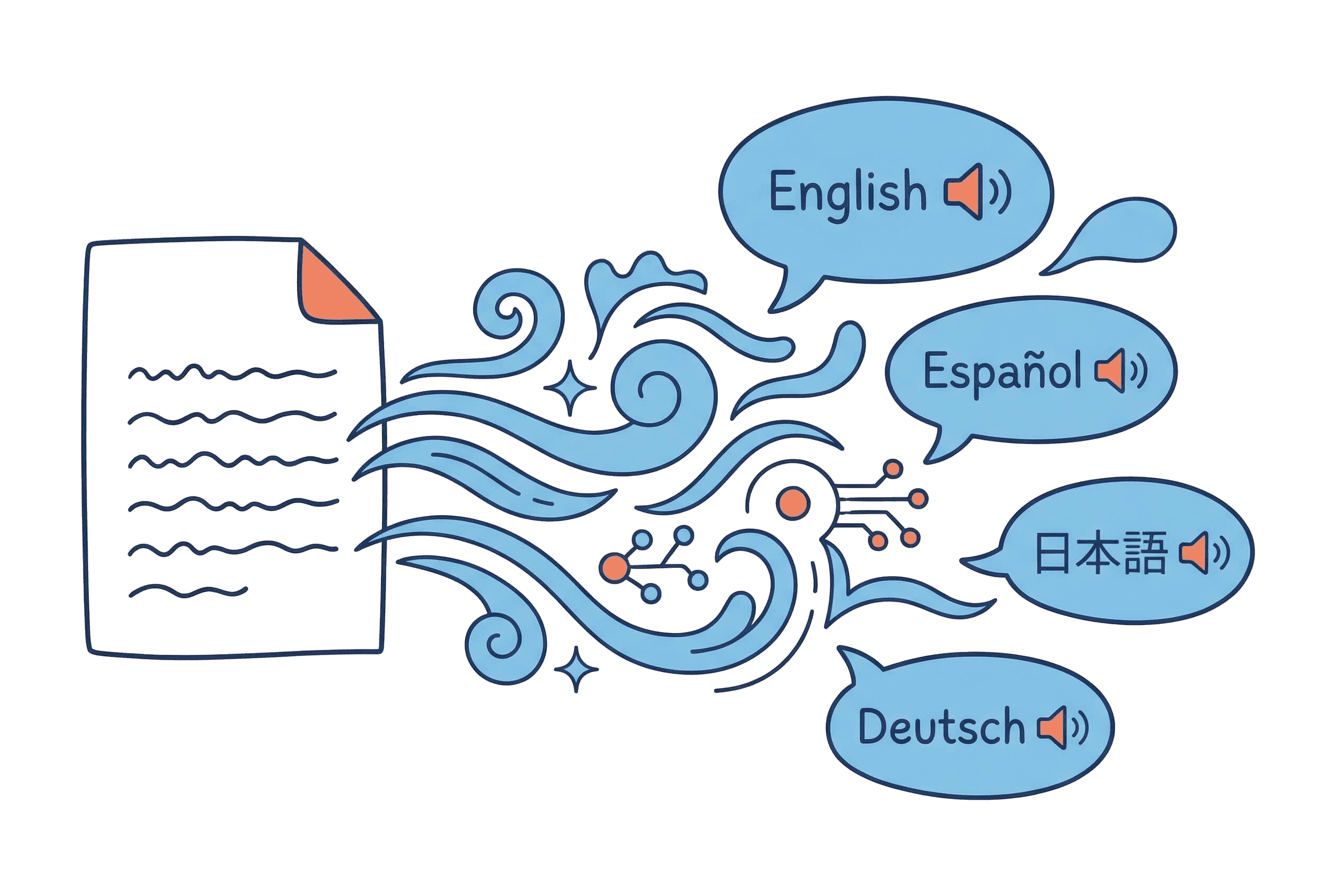
Hear your documents read aloud with natural AI voices. Preview any voice instantly, fine-tune speed and volume, then download as MP3. 50+ voices across 7 languages.
Why Convert PDF to Speech?
Turn your documents into a personal narrator: learn faster, multitask better, and reduce screen fatigue
Listen While You Work
Commuting, cooking, or exercising? Have your PDFs read to you in the background. Absorb reports, articles, and study materials without touching a screen.Reduce Screen Fatigue
Hours of reading strain your eyes. Let AI read for you — switch between visual and auditory learning to stay fresh and focused throughout the day.Preview Before Converting
Hear a sample of each voice before committing. Try different voices and speeds until the narration feels just right.Learn Languages Naturally
Hear proper pronunciation in 7 languages with native-quality AI voices. Read along while listening to improve comprehension and accent simultaneously.
Text to Speech Features
Professional text-to-speech technology for text-based PDFs, from simple articles to complex textbooks
50+ Natural Voices
American English, British English, Japanese, French, German, Spanish, Chinese, and Portuguese — each with multiple voice options. Find the narrator that matches your content.
Real-Time Voice Preview
Don't guess — listen. Play a sample of any voice before converting the full file. Switch voices in seconds to compare.
Speed & Volume Control
Slow down to 0.5x for careful language study or speed up to 2x for quick review. Set the playback volume to find the most comfortable listening experience.
Smart Text Processing
Intelligent parsing handles headings, lists, footnotes, and complex layouts correctly. Your document's structure translates into natural reading flow.
High-Quality MP3 Output
Download 128kbps MP3 files ready for any device — phone, tablet, car stereo, or desktop. Listen offline, share, or archive.
Your PDF Stays Private
For text-based PDFs, text extraction happens in your browser and the file never leaves your device; only extracted text is processed. Scanned PDFs are sent for OCR only with your consent. Zero storage policy.
3 Steps to Hear Your PDF
Upload Your PDF
Drag and drop or browse. PDFs up to 50MB are supported — articles, textbooks, reports, and ebooks.
Preview & Choose a Voice
Listen to voice samples. Try different languages, speeds, and volume levels. Find your perfect narrator in seconds.
Convert & Download
One click to convert. Get a high-quality MP3 ready for any device. Listen on the go or archive for later.
Who Uses PDF Text to Speech?
Students, professionals, and lifelong learners who want to consume documents by ear
Language Learners
Hear native pronunciation while following along with text. Practice listening comprehension with real documents in your target language.
Students & Academics
Listen to research papers and textbook chapters during commutes. Review lecture notes by ear before exams. Combine reading and listening for better retention.
Professionals on the Go
Turn client reports, industry whitepapers, and training manuals into audio. Stay up to date without being tied to a screen.
Accessibility Needs
Make your documents accessible through audio. Natural AI voices provide a comfortable listening experience for visually impaired readers.
Content Reviewers
Catch typos and awkward phrasing by hearing your own writing read back to you. A fresh perspective on your drafts.
AI Text to Speech vs Alternatives
How our PDF reader compares to other ways of listening to documents
| Feature | PDF2MP3 | Built-in Screen Readers | Other TTS Tools |
|---|---|---|---|
| Voice Quality | Neural AI, human-like | Robotic, monotone | Varies widely |
| Voice Selection | 50+ voices, 7 languages | 1-3 system voices | Limited options |
| Speed Control | 0.5x - 2x | Basic speed only | Speed only |
| Offline Listening | Download MP3 | Screen required | Depends |
| Privacy | Browser-based, zero storage | Local processing | Server upload required |
| PDF Handling | Smart layout parsing | Raw text only | Basic extraction |
Frequently Asked Questions
Common questions about using text to speech with PDF documents
How do I convert a PDF to speech?
+
Can I turn a PDF into voice for free?
+
How is this different from a screen reader?
+
Can I preview voices before converting?
+
What languages are supported?
+
How long does conversion take?
+
What's the maximum file size?
+
Is my PDF stored on your servers?
+
Can I use this for language learning?
+
What audio format is produced?
+
Does it work with scanned PDFs?
+
Can I adjust how the voice sounds?
+
Ready to Hear Your PDF?
Upload a document and preview AI voices in seconds. 50+ voices, 7 languages, instant download.