Convert PDF to Audio
Turn your PDF into a real audio file you keep. Pick from 50+ natural AI voices, set the speed, then download your MP3 and listen offline on any device.
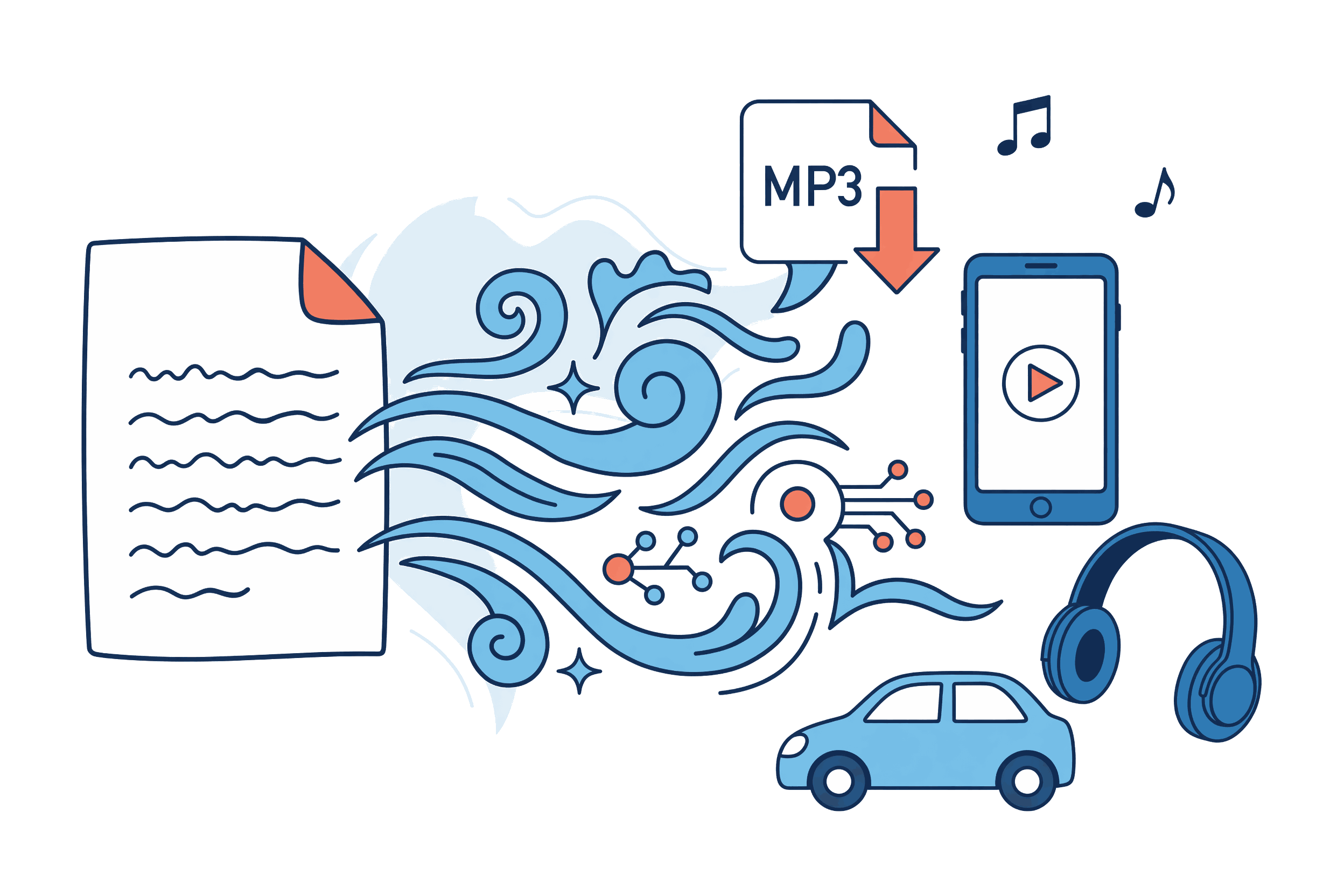
Why Convert PDF to Audio?
Read-aloud tools vanish when you close the tab. A converter gives you a permanent MP3 file you own, stored on your device, playable offline on any hardware, forever.
A File You Keep
Read-aloud tools stop the moment you close the tab. Converting gives you a permanent MP3 on your device: play it tonight, next week, or a year from now.Listen Offline, Anywhere
Once the download finishes you're done with the internet. Flights, subway commutes, the cabin with no signal: your documents play through all of it.Plays on Every Device
MP3 works on your phone, your laptop, your car stereo, a smart speaker, even an old iPod. If it plays music, it plays your documents.Fast Online Conversion
Nothing to install. Upload in your browser, watch live progress, and download the MP3 when it is ready.
PDF to Audio Converter Features
Upload a document, choose how it sounds, and walk away with a file
MP3 File Output
Every conversion ends in a 128kbps MP3 saved to your device. Keep it, organize it, move it to any player.
50+ Natural AI Voices
American and British English, Japanese, French, German, Spanish, Chinese, and Portuguese. Play a sample of any voice before you commit.
Speed & Volume Control
Set 0.5x to 2x speed before converting, so the file sounds right on everything you play it on, and adjust playback volume while you listen.
Private by Design
Text-based PDFs are read right in your browser and never leave your device. Scanned PDFs are sent to an OCR service only with your consent, and we store no files after conversion.
Fast Conversion
Long documents are split into parts and converted on our servers, with live progress on screen. Voice samples play instantly.
Nothing to Install
Works in any modern browser on Windows, Mac, Linux, iOS, and Android. The only download is your audio.
How to Convert PDF to Audio in 3 Steps
Upload Your PDF File
Drag and drop or browse. PDFs up to 50MB on every plan, including Free.
Pick a Voice and Adjust Settings
Preview any of 50+ voices in 7 languages, then set the speed until it sounds right.
Download Your Audio File
Click convert. The MP3 saves to your device, ready to play offline anywhere.
Who Converts PDF to Audio?
People who want their reading to travel: on the road, offline, hands free
Commuters & Frequent Travelers
Convert the reading backlog before you leave. Everything plays mid-flight or underground, no signal required.
Drivers
Send the MP3 to any car stereo over Bluetooth or USB and turn drive time into reading time.
Gym-Goers & Runners
The file sits in your music app next to your playlists. Press play, pocket the phone, go.
Busy Parents & Multitaskers
School newsletters, work reports, saved articles: audio for the kitchen, the commute, and the laundry pile.
Readers with a PDF Backlog
Batch your saved whitepapers and essays into a listening queue and actually get through them.
Downloadable Audio vs Read-Aloud Tools
Read-aloud stops when you close the tab. A converter hands you a file that stays yours.
| Feature | PDF2MP3 | Read-Aloud Apps | Free Online Converters |
|---|---|---|---|
| Audio File Output | Downloadable MP3, yours to keep | No file, live playback only | Length-capped exports |
| Offline Listening | Yes, no internet needed | Needs the app open and online | Sometimes |
| Narration Quality | Natural neural AI voices | Robotic system voices | Varies widely |
| Voices & Languages | 50+ voices, 7 languages | 1-3 system voices | Limited options |
| Privacy | Text extracted in your browser, zero storage | Local playback | Full PDF uploaded to servers |
| Conversion Speed | Live progress while it converts | No conversion, streams only | Slow queues at peak times |
Frequently Asked Questions
Cost, formats, devices, and privacy: what people ask before they convert
Is it free to convert PDF to audio?
+
How do I convert a PDF to audio online?
+
Can I listen to the converted audio offline?
+
What devices can play my audio file?
+
What's the difference between a PDF to audio converter and text-to-speech?
+
Will the audio sound natural or robotic?
+
Can I convert a PDF to audio on my phone?
+
Do I keep the audio file after converting?
+
Convert Your First PDF to Audio Free
Upload a PDF, pick a voice, and have your MP3 in minutes. Nothing to install, nothing stored.