Turn Your PDF into an Audiobook
Transform documents into professional audiobooks with 50+ natural AI voices across 7 languages. Listen to your PDFs anytime, anywhere.
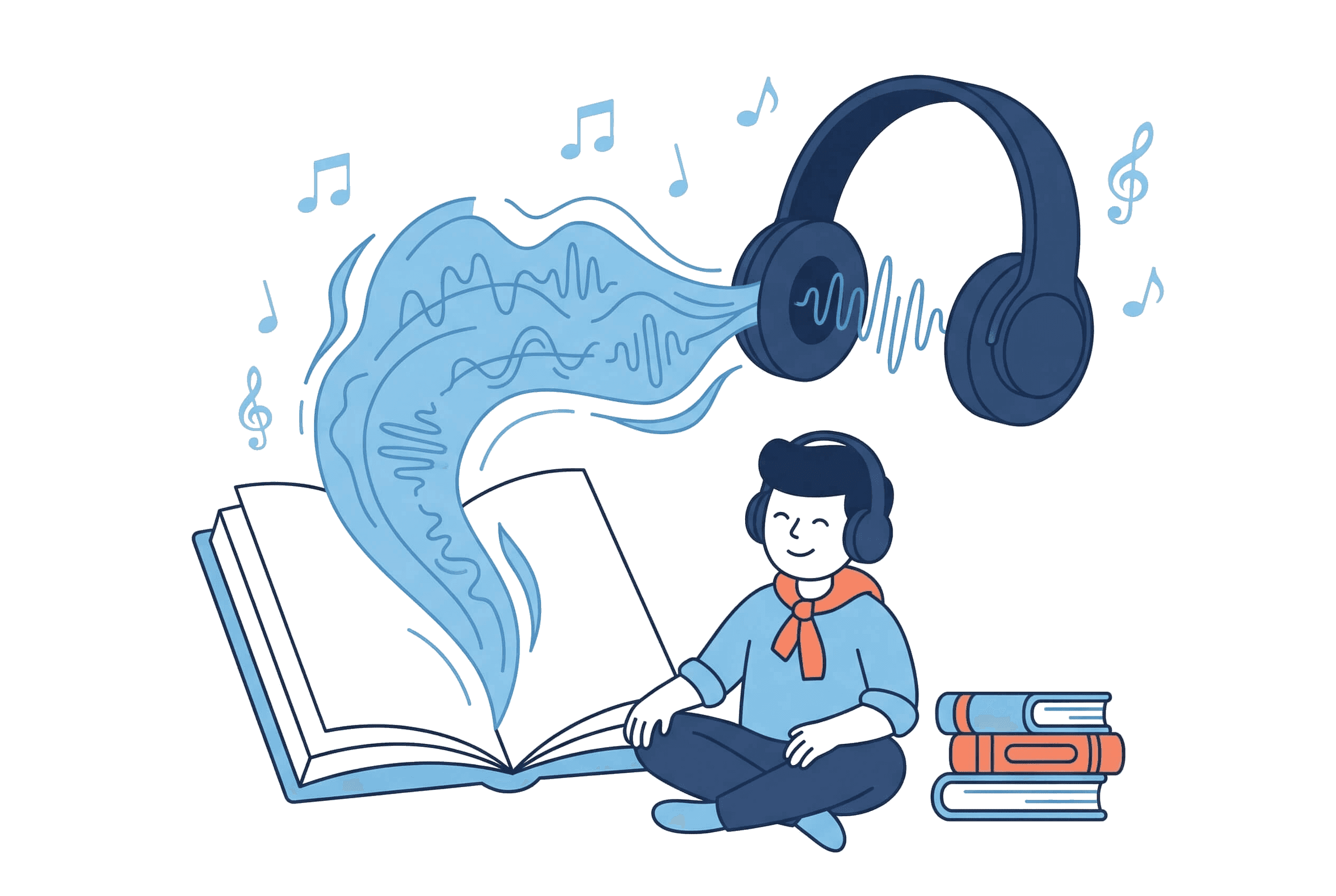
Why Listen Instead of Read?
Turn idle moments into learning time and give your eyes a break
Eyes-Free Reading
Long documents cause eye strain and fatigue. Listen instead — absorb textbooks, reports, and articles while your eyes rest. Hands-free content consumption for busy schedules.Multitask Efficiently
Commuting, working out, or doing chores? Turn that time into productive learning. Listen to your documents on the go and make every minute count.Zero Production Cost
Traditional audiobook production costs thousands of dollars. Get studio-quality AI narration instantly — no voice actors, no recording studios, no waiting weeks.Better Retention
Studies on dual-coding theory (Paivio, 1986) suggest that combining reading with listening can strengthen recall, particularly for complex or unfamiliar material. Listen to your study materials and reinforce what you've read.
Built for the Perfect Listening Experience
Everything you need to create and enjoy professional-quality audiobooks from your documents
50+ Natural AI Voices
Choose from voices in American English, British English, Japanese, French, German, Spanish, Chinese, and Portuguese. Preview each voice before converting to find your perfect narrator.
Genuinely Human Sound
Neural network technology delivers voices that sound natural and expressive — not robotic. Proper intonation, pacing, and emphasis make listening effortless.
Smart Document Processing
Intelligent analysis handles headings, paragraphs, lists, and footnotes correctly. Your document's structure is preserved for a seamless listening flow.
Adjustable Speed & Volume
Listen at 0.5x for careful study or 2x for quick review, and set the playback volume to your comfort level. Your audiobook, your pace.
Instant MP3 Download
Get high-quality MP3 files immediately after conversion. Compatible with all devices and media players — listen offline, anytime.
Privacy-First Design
Text-based PDFs are read in your browser and never leave your device; only the extracted text is sent for audio processing. Scanned PDFs are sent for OCR only with your consent. Zero file storage policy.
Create Your Audiobook in 3 Steps
Upload Your PDF
Drag and drop or browse to select your file. PDFs up to 50MB are supported — from simple articles to complex textbooks.
Choose Your Voice
Preview voices across 7 languages. Adjust the speed until the narration sounds just right for your content.
Download & Listen
Hit convert and get your MP3 in seconds to minutes. Ready to play on any device — phone, tablet, computer, or car stereo.
Who Uses PDF2MP3?
From students to professionals — hear how people transform their reading experience
Book Lovers & Readers
Turn your Kindle library and PDF ebooks into audiobooks. Enjoy stories during commutes, gym sessions, or bedtime without straining your eyes.
Students & Researchers
Listen to textbooks and research papers while reviewing notes. Studies on dual-coding theory (Paivio, 1986) suggest that combining reading with listening can strengthen recall, particularly for complex or unfamiliar material.
Busy Professionals
Business reports, industry research, training manuals — consume essential reading during your commute instead of letting it pile up.
Content Creators & Authors
Create audiobook versions of your written work without expensive recording studios. Reach wider audiences with AI-generated narration.
Accessibility Users
Make your documents accessible through audio. Natural AI narration gives visually impaired readers another way to take in the text.
AI Audiobooks vs Traditional Methods
See how AI-powered conversion compares to traditional audiobook production
| Feature | PDF2MP3 | Traditional Recording | Other Tools |
|---|---|---|---|
| Production Time | Seconds to minutes | Weeks to months | Minutes |
| Cost | Low-cost | $500+/hour | Free / Subscription |
| Voice Quality | Professional AI voices | Professional voiceover | Varies widely |
| Language Support | 7 languages, 50+ voices | Depends on talent | Usually limited |
| Privacy | Browser-based, zero storage | Share original files | Server upload required |
| Customization | Speed & volume control | Full customization | Limited options |
Frequently Asked Questions
Everything you need to know about creating audiobooks from your documents
What languages and voices are available?
+
How long does conversion take?
+
Can I use the audio files commercially?
+
What's the maximum file size?
+
Is my PDF stored on your servers?
+
Can I convert scanned PDFs?
+
What audio format is produced?
+
How do I get started?
+
What types of PDFs work best?
+
How do I create an audiobook from my ebook?
+
Ready to Start Listening?
Upload your first PDF and create an audiobook. 50+ voices, 7 languages, instant download.